



There is a moment that happens in every AI image project. You generate an image you like. The composition works. The style is right. The lighting is beautiful. Then you realize you need a different angle. Or a different background. Or a different expression on the character’s face. And you know that if you try to generate it again, you will get something similar but not quite the same. The character will look different. The style will drift. The magic will be gone.
This is the fundamental problem with AI image generation: each image is a one-off. You cannot easily go back and make changes. You cannot easily extend a single image into a series. You cannot easily maintain consistency across a campaign. The images are beautiful, but they are not reusable.
Image2 addresses this problem through two features: reference image editing and character consistency. Together, they change the nature of what you can do with AI-generated images. They move the tool from a generator of one-off images to a platform for creating reusable visual assets.
Reference Image Editing: Starting From What You Already Have
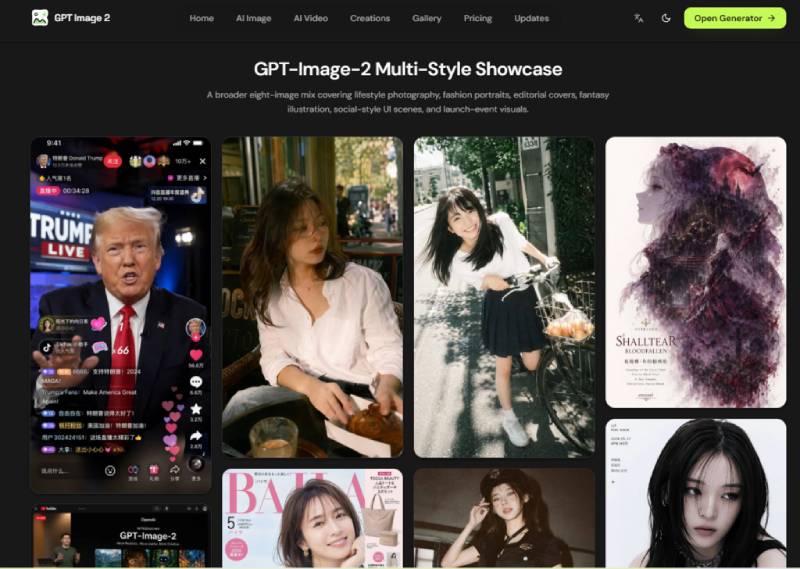
The reference image editing feature lets you upload an existing asset — a product photo, a draft layout, or a piece of creative — and guide changes to color, styling, copy area, props, or environment. The editing workflow preserves the structure of the original image while applying the requested changes.
This is not the same as feeding a reference image into a text-to-image generator and hoping for the best. It is a more controlled process where the uploaded asset serves as a structural anchor, and the edits are guided by specific instructions.
How the Editing Workflow Works
The process is straightforward. You upload the image you want to edit. You describe the changes you want to make. The platform generates a new version of the image with the requested changes applied.
The key is that the editing workflow preserves the underlying structure of the original image. The composition remains intact. The subject remains recognizable. The style remains consistent. Only the specified elements change.
Practical Applications
For product photography, reference editing means you can take a product shot with the right composition and change the background, the lighting, or the environment without reshooting. The product remains the same. The context changes.
For creative assets, reference editing means you can take a draft layout and refine the styling, the copy area, or the props without starting from scratch. The structure of the layout remains intact. The details improve.
For campaign visuals, reference editing means you can take a hero image and create variations for different channels, different audiences, or different messages. The core visual identity remains consistent. The variations serve different purposes.
What the Editing Workflow Does Not Do
The reference editing workflow is powerful but not omnipotent. Edits that require fundamental changes to the underlying geometry may produce unpredictable results. The tool works best when the edit is additive or substitutive — changing a background, adjusting colors, adding props — rather than reconstructive, where the underlying structure needs to be fundamentally altered.
The quality of the edit also depends on the quality of the instruction. Vague or contradictory instructions produce inconsistent results. The more specific you are about what you want to change, the better the result.
Character Consistency: Making Campaigns Feel Like Campaigns
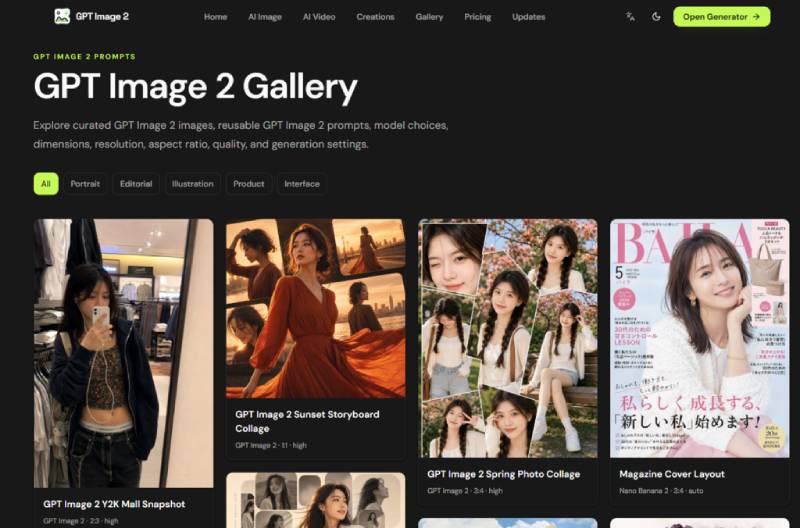
Character consistency is the other feature that makes AI images reusable. You can lock a character, subject, or art direction across multiple generations, so every output feels like part of one campaign rather than a set of unrelated images.
Why Consistency Matters
Inconsistent characters have been one of the most persistent complaints about AI image generation. You generate a character you like, try to generate a different shot of the same character, and the tool gives you someone who looks vaguely related but not quite the same. The hair is different. The face is different. The style is different. The character is not recognizable as the same person.
This inconsistency makes it difficult to use AI-generated images in campaigns, series, or any context where visual continuity matters. You cannot generate a character in one scene and then generate the same character in another scene. You cannot maintain a consistent visual identity across a set of images.
Image2 addresses this by maintaining visual continuity across generations. The character remains recognizable. The style remains consistent. The images feel like they belong together.
How Consistency Works in Practice
The character consistency feature works by locking a character, subject, or art direction across multiple generations. Once you have generated a character you like, you can use that character as the basis for subsequent generations. The platform maintains the character’s appearance, style, and visual identity across different scenes, compositions, and contexts.
This is particularly valuable for campaigns that require a consistent visual identity across multiple images. A product launch campaign. A brand awareness series. A social media content calendar. Any project where visual continuity matters.
What Consistency Does Not Guarantee
Character consistency is not perfect. The platform maintains consistency across generations, but the results may vary depending on the complexity of the character and the specificity of the prompt. A simple character with distinctive features is easier to maintain than a complex character with subtle details.
The consistency is also strongest when the character is well-defined in the initial generation. If the character is vague or inconsistent in the first place, the platform cannot magically make it consistent.
A Practical Comparison
| Aspect | Image2 | Traditional AI Generators |
| Reference Editing | Built-in, structure-preserving | Limited or requires external tools |
| Character Consistency | Maintained across generations | Inconsistent or absent |
| Asset Reusability | High — edit and extend existing assets | Low — each image is a one-off |
| Campaign Fit | Designed for series and campaigns | Designed for single images |
| Iteration | Refine without starting over | Start over for each variation |
The comparison is not about declaring a winner. It is about recognizing that different tools serve different purposes. Image2 is built for projects that require reusable assets, consistent characters, and iterative refinement. The reference editing and character consistency features reflect that priority.
Who Benefits Most From Reusable Assets
Image2’s reference editing and character consistency features are most valuable for teams that produce visual content at scale. Marketing teams running campaigns across multiple channels. Ecommerce teams managing product catalogs with consistent imagery. Creative agencies producing series of visuals for clients. Social media teams maintaining a consistent visual identity across posts.
If your work involves generating images that need to be consistent, reusable, or extendable, the platform’s reference editing and character consistency capabilities make it a practical addition to your toolkit. The features are designed to support the realities of production work, not just the excitement of one-off experiments.
What These Features Do Not Solve
No tool is perfect, and Image2’s reference editing and character consistency features have limitations. The quality of the edit depends on the quality of the instruction. Vague or contradictory instructions produce inconsistent results.
The character consistency is strongest when the character is well-defined in the initial generation. If the character is vague or inconsistent in the first place, the consistency will be limited.
Finally, the reference editing workflow works best for additive or substitutive edits. Reconstructive edits that fundamentally alter the underlying geometry may produce unpredictable results.
The Bottom Line on Reusability
The fundamental problem with AI image generation has been that each image is a one-off. You cannot easily go back and make changes. You cannot easily extend a single image into a series. You cannot easily maintain consistency across a campaign. The images are beautiful, but they are not reusable.
Image2 addresses this problem through reference image editing and character consistency. The reference editing workflow lets you start from what you already have and refine it. The character consistency feature lets you maintain visual continuity across generations. Together, they change the nature of what you can do with AI-generated images. They move the tool from a generator of one-off images to a platform for creating reusable visual assets.
For creators who need to produce consistent, extendable, campaign-ready visuals, that is a meaningful difference.










.